Academics / Tech Support – IT Services / Access Control
Campus security update • Phase One
Introducing Verkada Access Control
Southern State Community College is implementing a new access control system that will automatically unlock designated exterior doors in the morning and secure them again at night. Employees who are authorized for after-hours or weekend access will be able to use their approved badge or mobile credential to enter through designated doors.
Installing an app does not automatically grant door access. Your access is based on approved permissions assigned to your college account or badge.
System Overview
A simpler way to manage secure access
Verkada Access Control combines door access, mobile credentials, user permissions, and security management in a cloud-managed platform. Watch the overview to see how the system works.
Video provided by Verkada. Captions and playback controls are available in the video player.
Project rollout
The access control project will be completed in phases
Phase One establishes controlled entry at the primary exterior entrances. Future phases will expand the system to additional interior doors, departments, and college facilities as planning and funding allow.
Phase One: Exterior entrances
Phase One focuses on the exterior entrances used to enter campus buildings. These doors will be programmed to unlock and lock automatically at designated times.
- Primary exterior entrances
- Scheduled automatic unlocking and locking
- Approved badge or mobile access outside scheduled hours
Phase Two: Interior doors and additional facilities
Phase Two will focus on selected internal doors and expand Verkada access control to additional college locations.
- Student Services internal doors
- Business Office internal doors
- Patriot Center
- Adult Opportunity Center building
Phase Three: Help shape what comes next
Phase Three has not yet been defined and will depend on available funding. Staff are encouraged to recommend doors, buildings, or access-control improvements that should be considered for a future phase.
Submit a Phase Three SuggestionAfter-hours and weekend entry during Phase One
When the exterior doors are locked, employees with approved access must use the designated entrance for each building.
Main Building
After hours and on weekends, employees should park in the rear parking lot and enter through the glass double doors at the rear of the building that lead into Hallway 200. This is the designated after-hours and weekend entrance for the Main Building.
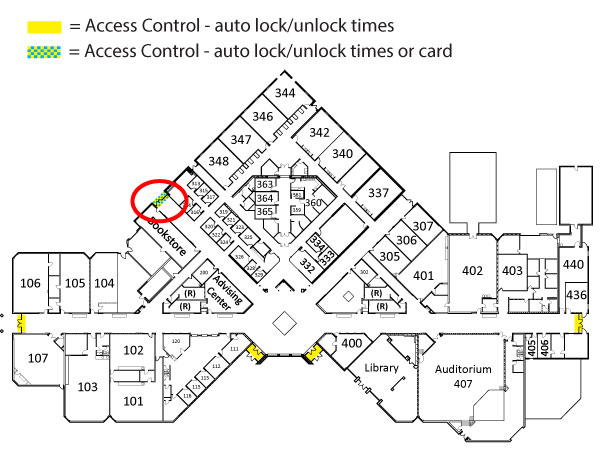
Annex Building
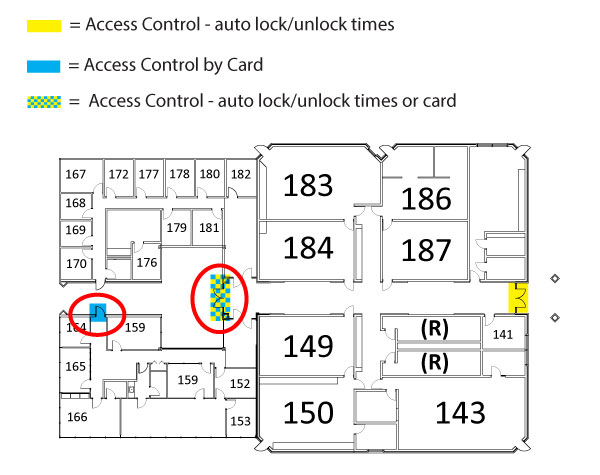
The main glass double doors located in the courtyard will automatically unlock and lock according to the college's established schedule. Employees with approved after-hours or weekend access may also use their badge or mobile credential to enter through these doors when they are locked.
The door leading into the President's hallway will be badge-access only and will not automatically unlock during regular business hours. Employees must have specific authorization to use their badge or mobile credential to enter through this door.
How access is assigned
Request access
Use the Door Access Request Form to request access. Please identify the building and specific doors needed for your assigned responsibilities.
Approval and setup
Your request is reviewed, and approved access is assigned to your badge or mobile credential. Contact Tyler Bick, tbick2@sscc.edu about getting your badge.
Use your credential
Use your approved physical badge or the Verkada Pass app, according to college instructions.
Choose the app appropriate for your role
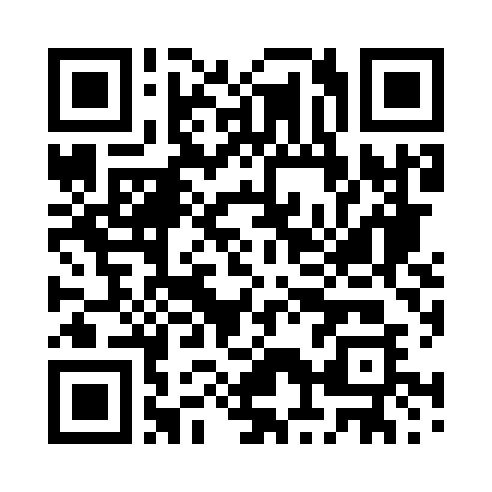
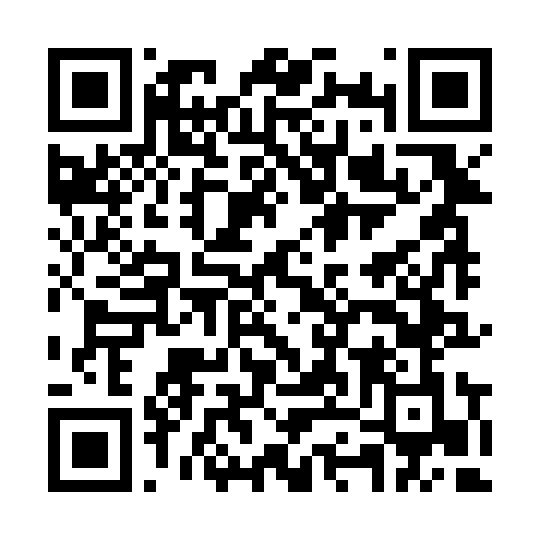
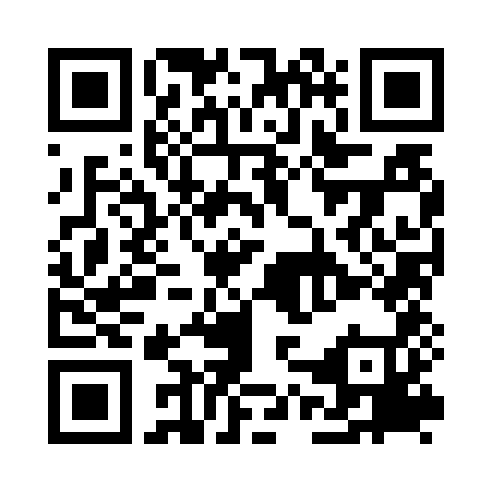
Scan the QR code with your phone camera, or select the matching store button.
Verkada Pass
Verkada Pass serves as a mobile credential for authorized doors. Staff should install this app when instructed during the access approval process.
Verkada Command
Verkada Command is intended for employees who have been specifically assignedn security, monitoring, or system-management responsibilities.
Need access to a specific door?
Submit the Door Access Request Form. Include only the locations needed to perform your assigned college responsibilities.
Frequently asked questions
Which app should I install?
Most employees who are approved for mobile door access will use Verkada Pass. Install Verkada Command only when the Technology Department or Security and Emergency Response Coordinator specifically instructs you to do so.
Does downloading Verkada Pass give me access to every door?
No. The app displays only the doors and functions associated with the permissions approved for your role.
Should I submit one request for every door?
One request can identify all doors needed for a single employee, role, or job assignment. Use the Door Access Request Form to request all needed access.
Which entrance should I use after hours or on weekends?
For the Main Building, employees should park in the rear parking lot and enter through the rear glass double doors that lead into Hallway 200. For the Annex Building, employees should use the main glass double doors located in the courtyard. These doors will automatically lock after scheduled hours but can still be accessed by employees with approved badge or mobile credentials. Access is limited to employees who have been authorized for those entrances.
How can I suggest an improvement for Phase Three?
Use the Phase Three Suggestion form to recommend doors, buildings, or access-control improvements for future consideration. Phase Three will depend on available funding and institutional priorities.
What should I do if my badge or phone is lost?
Report the loss promptly to tbick2@sscc.edu so the affected credential can be disabled and replaced.